How to Format a Screenplay: The Reference Version
Why the format is strict
A screenplay is a document that many people, most of whom you will never meet, have to read quickly and estimate from. One page is roughly one minute of screen time. Readers know this in their bones, and every deviation from the standard breaks the estimate and announces that the writer has not read many scripts.
The format is not decoration. It is a shared unit of measurement. Get it right and it disappears, which is the point.
Everything below describes the standard for a spec screenplay in the US tradition, which is what most of the world's readers expect. Where television differs, we say so.
The page
| Setting | Standard |
|---|---|
| Paper | US Letter, 8.5 by 11 inches. A4 outside North America, with the same margins. |
| Font | Courier, 12 point. Courier Prime is the modern cut most apps ship. Ten characters to the inch, six lines to the inch. |
| Left margin | 1.5 inches, to leave room for the binding brads. |
| Right margin | 1 inch. Anywhere from 0.5 to 1.25 is accepted. |
| Top margin | 1 inch to the first line of text. |
| Bottom margin | 1 inch. Between 0.5 and 1.5 is accepted. |
| Page number | Top right, half an inch from the top, flush with the right margin, followed by a period. The first page carries no number. |
| Lines per page | About 55, single spaced, with a blank line between elements. |
| Length | 90 to 120 pages for a feature film. Under 100 is comfortable for a first-time writer. An hour-long television drama runs 50 to 65, a half-hour comedy 25 to 35. |
Do not adjust the margins to hit a page count. Readers can see it, and it is the one thing they hold against you.
The elements
A screenplay is built from a small set of element types, each with a fixed position on the page. The positions below are measured from the left edge of the paper. Any real screenwriting app, including EpicDraft, places them for you. You should still know where they go.
Scene heading
Where and when. Also called a slugline.
Sits at the left margin, in capitals, on its own line, with a blank line above and below.
Three parts: an interior or exterior marker, the location, and the time of day, separated by a hyphen with spaces around it.
INT. KITCHEN - NIGHT

EXT. PARKING LOT - DAY

INT./EXT. CAR - CONTINUOUS
Use INT. and EXT. Use DAY and NIGHT most of the time. CONTINUOUS means the action flows without a cut from the previous scene. LATER and MOMENTS LATER are fine. Avoid times like 3:47 PM unless the clock is the point.
Keep location names consistent to the letter. KITCHEN and JOHN'S KITCHEN are two locations to a production office.
In Fountain, any line beginning with INT, EXT, EST, INT./EXT, INT/EXT or I/E is a scene heading. Force one with a leading period: .FLASHBACK.
Action
What we see and hear. Also called description.
Left margin to right margin, the full width of the page. Present tense. Single spaced, with a blank line between paragraphs. Keep paragraphs to three or four lines. A dense block of action is skipped, and readers admit this freely.
The kettle screams. Nobody moves.

MARA, forties, still in her coat, stares at the phone on the table.
Capitalise a character's name the first time they appear in action, and give them an age or a single defining detail. After that, ordinary case. Some writers capitalise important sounds and props. It is a choice, not a rule. Use it sparingly or not at all.
Write what can be filmed. "She is thinking about her father" cannot be shot. "She picks up her father's watch, then puts it back" can.
In Fountain, any paragraph that is not something else is action. Force it with an exclamation mark at the start of the line.
Character cue
The name of the person about to speak.
Begins about 3.7 inches from the left edge of the paper, or 2.2 inches in from the left margin. Capitals. It is not centred, though it looks it. The same character keeps the same name for the whole script, even after we learn their real one.
MARA
Extensions go in parentheses after the name, on the same line. V.O. for voice-over, a narration or an internal voice the other characters cannot hear. O.S. for off screen, present in the scene but not in frame. CONT'D when the same character continues speaking after an action line interrupts, which most apps add for you.
                    MARA (V.O.)

                    DAVID (O.S.)

                    MARA (CONT'D)
In Fountain, a line entirely in capitals, preceded by a blank line and followed immediately by a non-blank line, is a character cue. Force one with an at sign: @McCLANE.
Parenthetical
A short direction on how a line is delivered, or a small action in the middle of a speech.
Sits under the cue, about 3.1 inches from the left edge, in parentheses, lower case, no full stop. A parenthetical should rarely exceed a few words. It is not the place for action.
                    MARA
               (not looking up)
          Sit down.
Directors and actors resent parentheticals. Use one when the line would be misread without it, and delete the rest.
Dialogue
What is said.
Begins 2.5 inches from the left edge and runs about 3.5 inches wide, so its right edge falls near 6 inches. Ordinary case. No quotation marks.
                    MARA
          Sit down. I'm not going to say it
          twice.
When a speech runs past the bottom of a page, the break is marked with (MORE) at the foot and the cue repeated on the next page with (CONT'D). A character cue is never left alone at the bottom of a page with its dialogue on the next. Formatting software handles both.
Transition
How one scene hands over to the next.
Right aligned, in capitals, ending in a colon. The exception is FADE OUT. at the very end, which takes a full stop.
                                              CUT TO:

                                              DISSOLVE TO:

                                              SMASH CUT TO:

FADE IN:
FADE IN: is the one transition that sits at the left margin, as the first line of the script. Modern spec scripts use transitions rarely. A new scene heading already implies a cut.
In Fountain, a line in capitals ending in TO: is a transition. Force one with a greater-than sign: > FADE TO BLACK.
Shot
A camera instruction: CLOSE ON, ANGLE ON, POV, INSERT.
Sits at the left margin, in capitals, formatted like a scene heading without the location and time. In a spec script, use these almost never. Directing on the page is the mark of a writer who does not trust the reader. When the shot is the story, say what we see in action instead.
Centred text
Used for THE END, and occasionally for intertitles or lyrics.
THE END
In Fountain, wrap the line in > and < marks: > THE END <.
Dual dialogue
Two characters speaking at once, in two columns side by side. Use it for genuine overlap, not for a fast exchange.
In Fountain, add a caret after the second character's cue.
BRICK
Screw retirement.

STEEL ^
Screw retirement.
Page break
Forced only for a reason. A new act in television, or the end of a cold open. A spec feature should not contain forced page breaks.
In Fountain, a line of three or more equals signs: ===.
What does not print
Fountain, and EpicDraft's .sp format built on it, carry a few things that live in the file and never reach the page.
- Notes in double square brackets:
[[Check this against the police report scene.]] - Boneyard, text you have cut but cannot bring yourself to delete, between
/*and*/. - Sections starting with one or more hash marks, for outlining:
# Act One,## The Heist. - Synopses starting with an equals sign, one line under a section:
= Mara finds the watch.
Use them freely. They are for you.
The title page
One page, before page one, unnumbered.
The title, in capitals, centred, about a third of the way down. Under it, "Written by" or "by", and your name. If the script is based on something, a line for that follows.
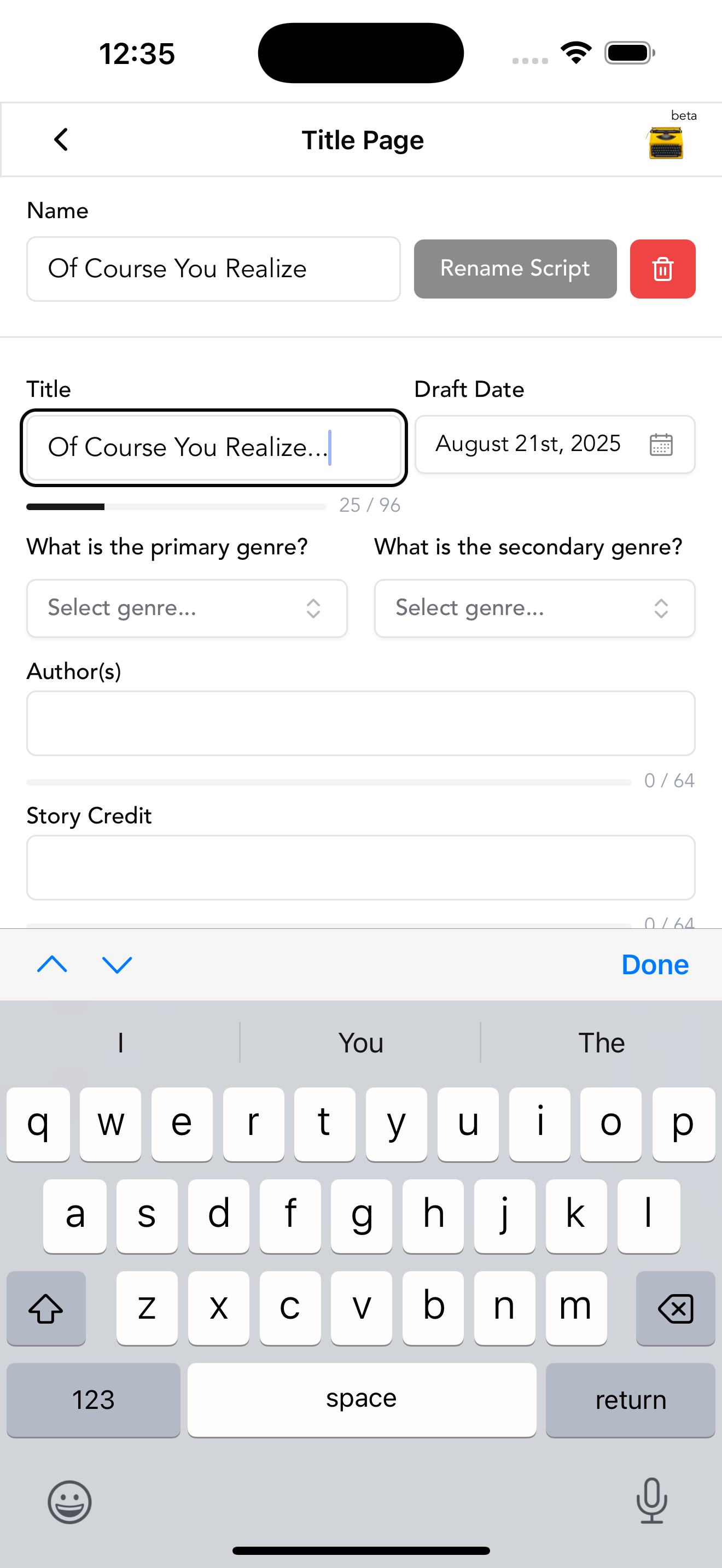
In the bottom left corner, your contact details, or your representative's. Nothing else is required. A draft date is optional and usually left off a spec script, because a dated draft looks old by the time it is read. No registration number, no copyright line, no logline, no cast list.
In Fountain, the title page is a block of key and value pairs at the top of the file, before the first blank line.
Title: THE WATCH
Credit: Written by
Author: Mara Vance
Contact:
    Mara Vance
    [email protected]
Scene numbers and revisions
Spec scripts have no scene numbers. They arrive when a script goes into production, in both margins beside each scene heading, and from then on they never change, so that scene 47 means the same thing to every department. Deleted scenes become OMITTED. New scenes take a letter: 47A.
Production revisions are issued on coloured paper, in a fixed sequence, so a crew member can see at a glance which pages are current. White, then blue, pink, yellow, green, goldenrod, buff, salmon, cherry, and back around. Changed lines carry an asterisk in the right margin.
None of this belongs in a spec. If a reader sees goldenrod pages from a first-time writer, they know the writer has been formatting for its own sake.
The mistakes readers notice first
- The wrong font. Anything but Courier at 12 point. It is the first thing on the page and the first thing they see.
- Adjusted margins or spacing to hit a page count. They can tell.
- Camera direction in a spec script. Angles, pans, and "we see" everywhere.
- Dense action. Paragraphs of seven lines and up. Break them.
- Unfilmables. Thoughts, backstory, and feelings in action lines.
- Bold or underlined scene headings. Some working writers do it. A reader who dislikes it dislikes it strongly. Plain capitals are never wrong.
- Parentheticals on every line. Trust the actor.
- Inconsistent location names. KITCHEN, THE KITCHEN, and MARA'S KITCHEN are three locations.
- Time of day missing from a scene heading, or invented times nobody schedules by.
- A title page with too much on it. Dates, registration numbers, loglines, a photo.
Let the format take care of itself
You should know all of the above. You should not have to think about any of it while writing.
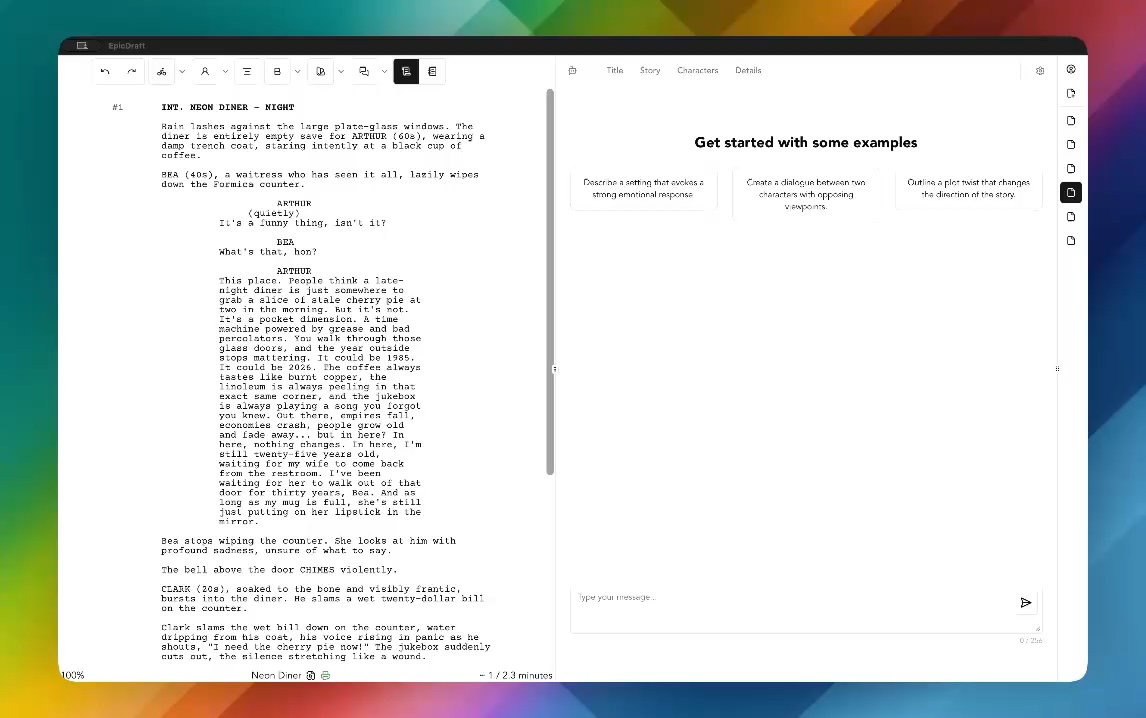
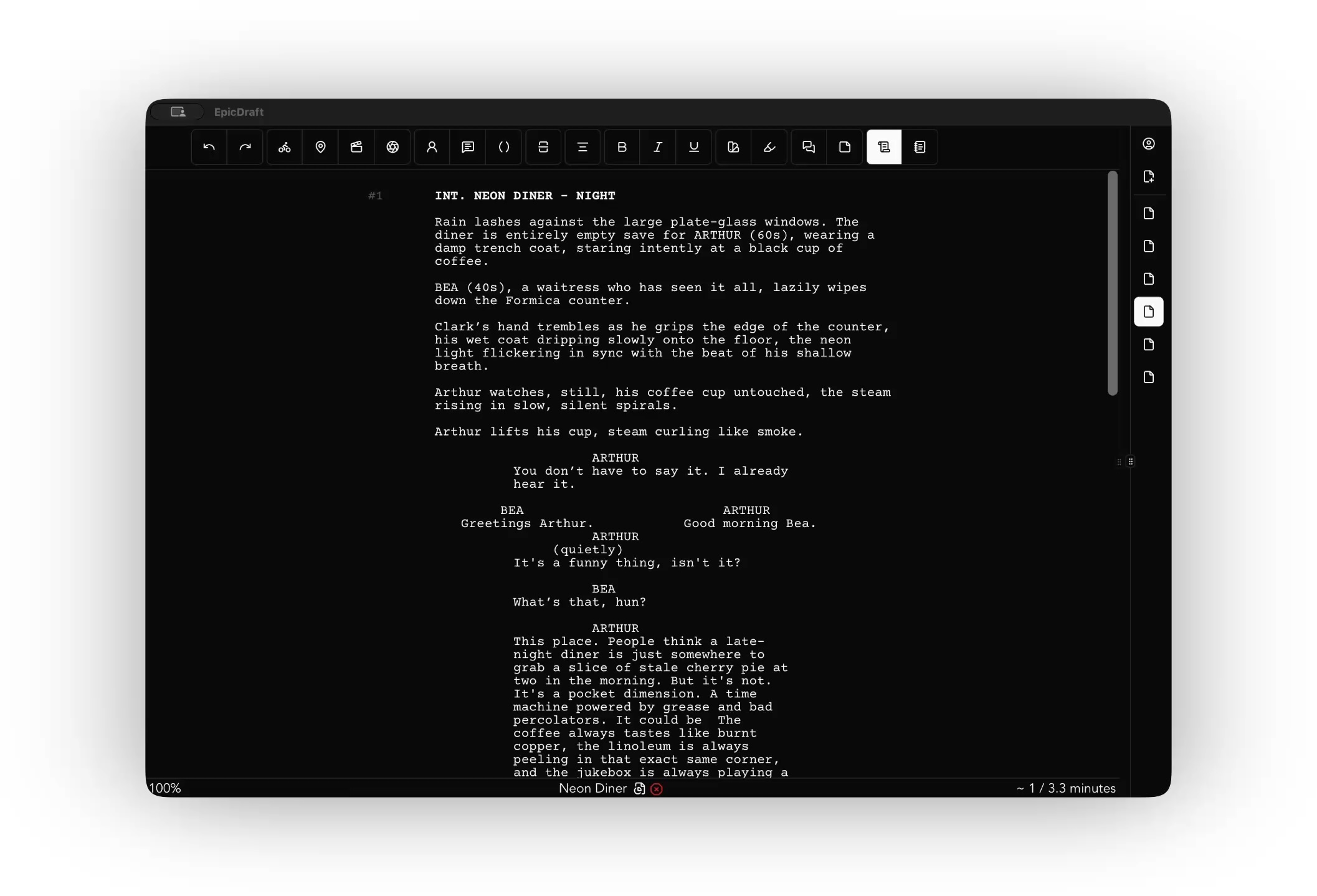
EpicDraft applies the standard positions to every element as you type, on Letter or A4. The print editor paginates the script the way a reader expects, keeps a cue with the start of its dialogue, and adds (MORE) and (CONT'D) where a speech has to break. The page you see in the editor is the page in the exported PDF, scene numbers included. Import a Fountain, Final Draft or PDF script and the elements are recognised for what they are.
It is free to write, export and print, with no watermark. Download it, read the formatting guide if you want the details, and get back to the part only you can do.