Writing a Screenplay on a Phone
The idea does not wait for the desk
The line arrives on the bus. The fix for the second act arrives in the shower, or in the queue, or at 2am with the lights off. It never arrives at the desk, where the software is.
For most of screenwriting's history the answer was a notebook, and then a retype. Then phones got good, and the apps did not follow. A phone got a viewer, or a notes pane, or a cut-down editor that could not open the real file. The message was clear. Come back when you are sitting down.
We think that is backwards. The phone is where the idea shows up. It should be where the script is.
What a phone is good at
Be honest about the device. A phone is a poor place to see a page. It is a fine place to write one.
It is good at fragments. A scene heading and three lines of action, captured before they fade. It is good at dialogue, which comes in short bursts and reads well on a narrow screen. It is good at notes, and at reading your own pages back in a voice you did not expect.
It is bad at structure. You will not rearrange a third act with your thumbs, and you should not try. The phone captures. The desk shapes. A good mobile editor knows which job it has.
What we built for the small screen
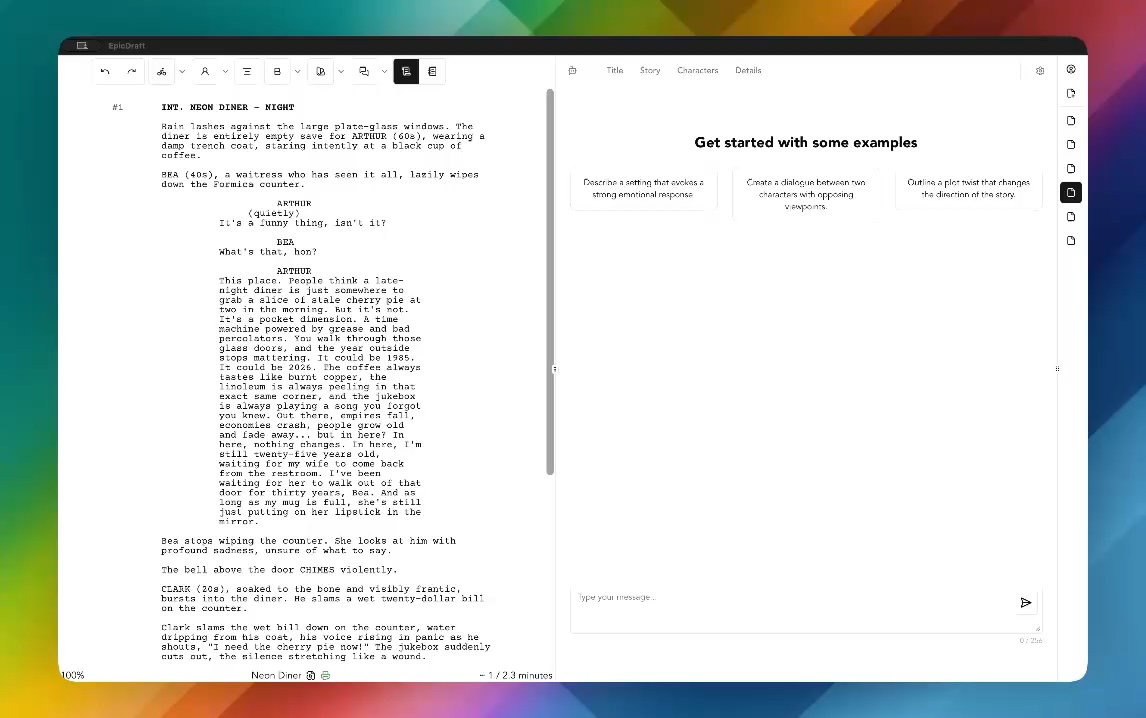
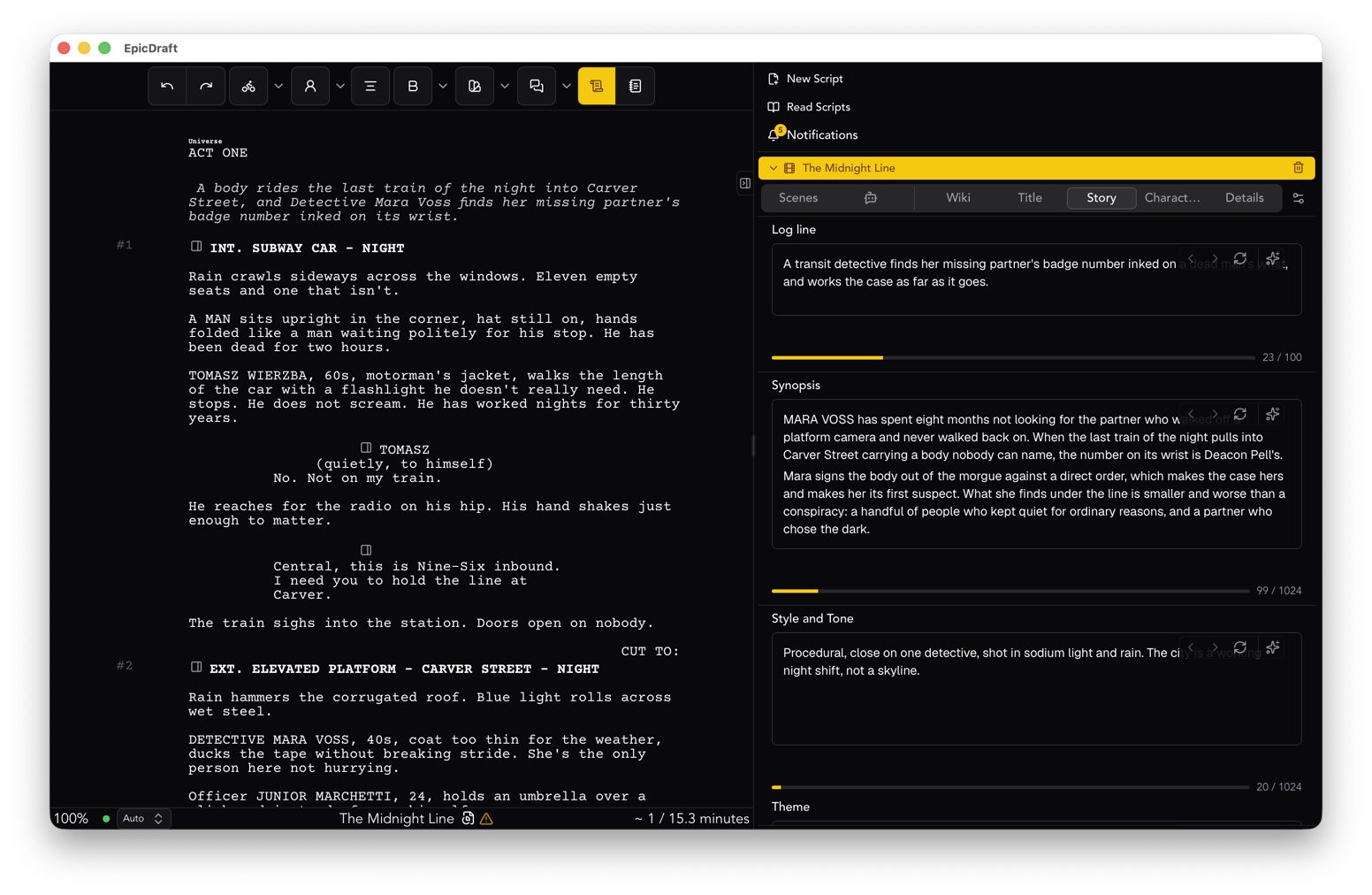
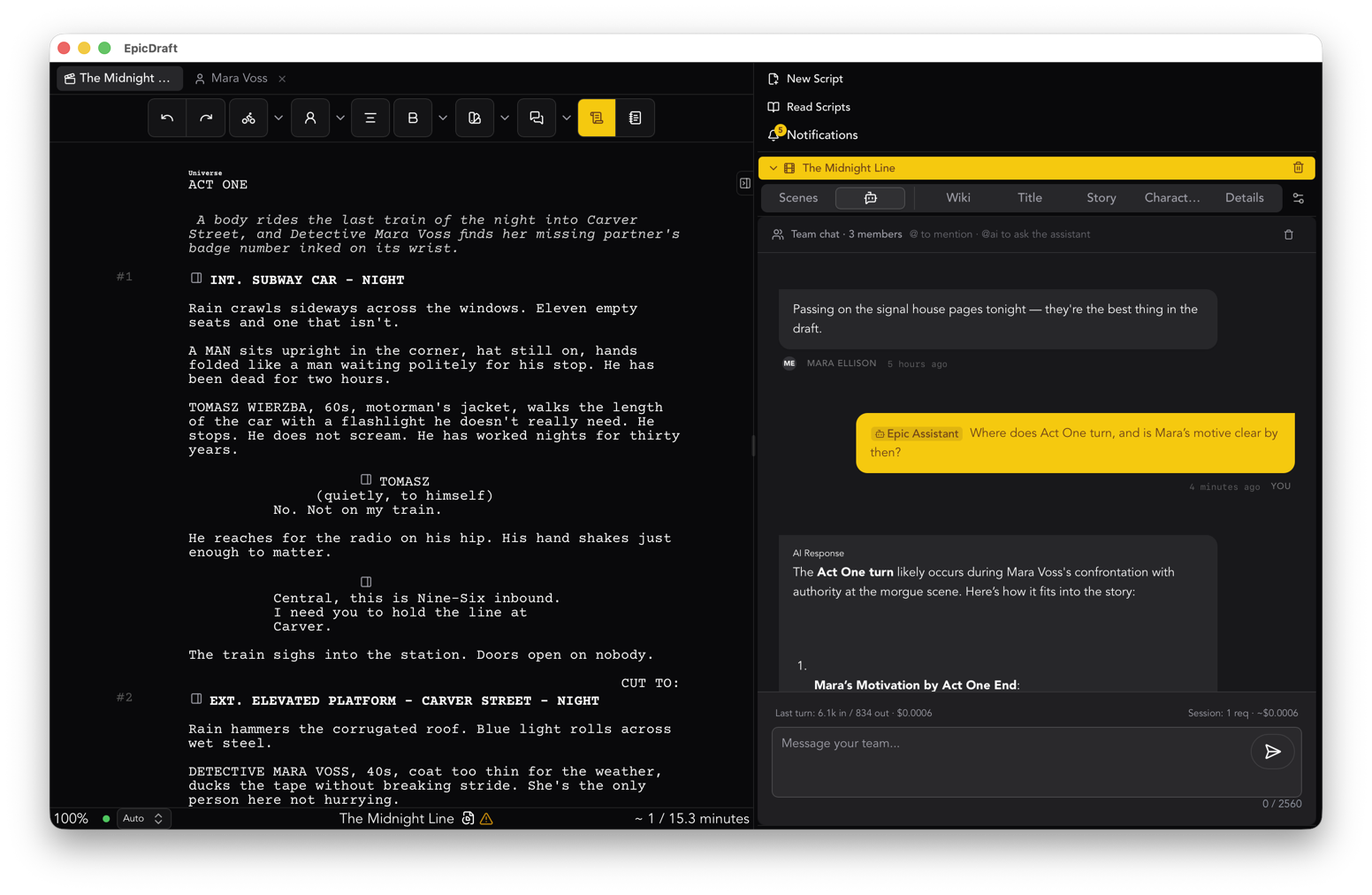
EpicDraft's iOS and Android apps, and the web app on a phone, open the same file and run the same editor as the desktop. Not a companion. The script.
Autocomplete moves above the keyboard. On a phone the suggestion list is a horizontal bar just above your cursor, so the keyboard never covers it. Character names, locations and times of day are a tap away.
Dictation is built in. In the native apps, the keyboard's microphone key drops your spoken words straight into the element you are in, whether that is action, dialogue or a scene heading. In the mobile web app there is a Dictate button in the toolbar. Dictation follows the script's language, so a scene written in Spanish is heard in Spanish. See the dictation guide.
The drawer holds the rest. Reports, scenes, Library, title page, history and chat live in a drawer instead of side panels. The Library opens with big touch rows and bottom sheets in place of nested menus, so a quick note about a character is two taps, not a hunt.
Print preview takes the whole screen. When you want to see the page, the preview shows exactly what will print. Print hands the finished PDF to the share sheet. Send it to a reader from the bus.
The app locks itself. Face ID, fingerprint, or whatever your device has. Free, on any phone with a sensor. A screenplay on a phone is a screenplay that leaves the house, and it should not open for whoever picks the phone up.
Between the phone and the desk
Sync between your own devices is peer to peer with Pro. Your phone and your laptop talk directly, and changes merge whether or not they were online at the same moment. Write a scene on the train and it is on the desktop when you sit down, without a server in the middle.
If you use the assistant, a desktop with a local model can lend it to the phone over your own network. The phone gets the help. The pages stay on hardware you own.
And the file is the same file everywhere. Plain text, built on Fountain, on your device. Nothing about writing on a phone changes where your pages live.
A workflow that works
Capture on the phone. Shape at the desk. That is the whole method, and it holds up.
- When the idea arrives, open the script, not a notes app. Put the line where it goes.
- Dictate a rough pass of dialogue when your hands are busy, then fix it with your thumbs. Spoken dialogue is often closer to how people talk than typed dialogue.
- Use the scenes list in the drawer to jump around. Do not scroll a hundred pages on a phone.
- Check the page in print preview before you send it to anyone. The layout is the same as the desktop, so what you see is what they get.
- Sit down. Read what the phone wrote. Make it good.
Free, on both stores
EpicDraft is on the App Store and Google Play, and it is free to write, export and print. No watermark, no page quota, no trial clock. The phone version is not a lesser version. It is the same app, sized for the place ideas actually happen.