Your Script Is Yours: What Local-First Actually Means for a Screenplay
Start with the file
Ask a screenwriter where their script is and the honest answer, for most modern apps, is "somewhere".
It is in an account. It is behind a login. It is on a server whose location you do not know, in a format you cannot open, under a plan that renews in March. Your name is on the title page and someone else holds the pages.
Local-first is the opposite arrangement. The script is a file, on your device, first. Everything else is optional and added on top: sync, backup, collaboration. If every server we run went dark tonight, you would open EpicDraft tomorrow and your script would be there, because it was never anywhere else.
What "a file" means here
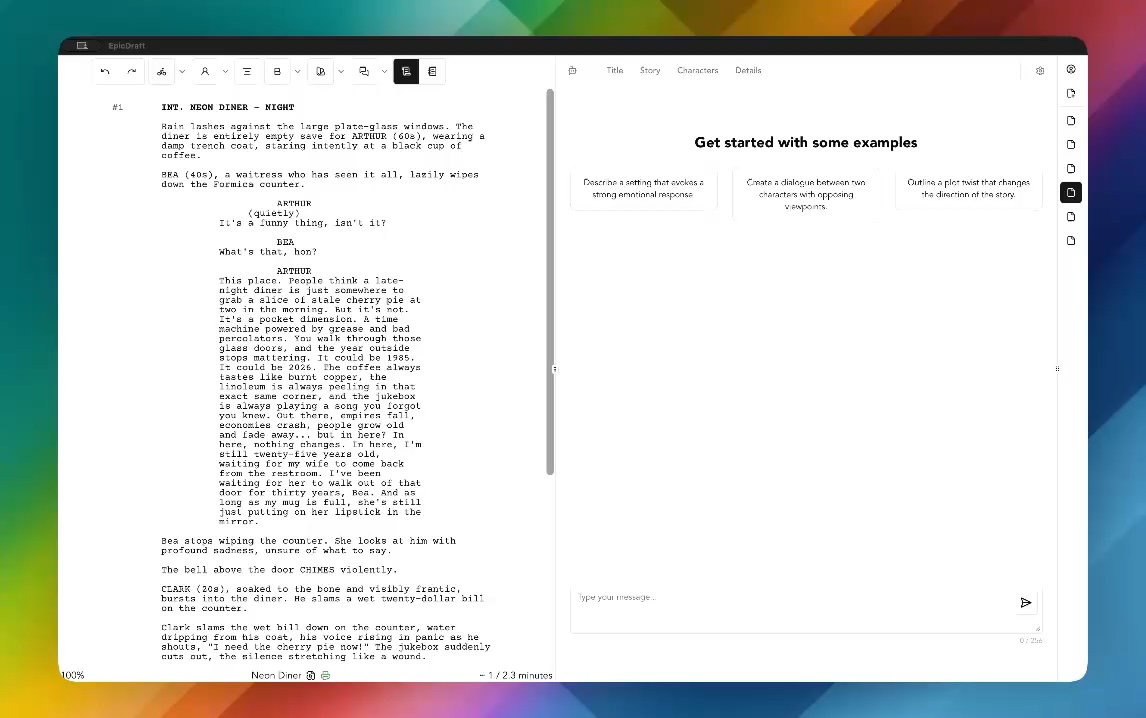
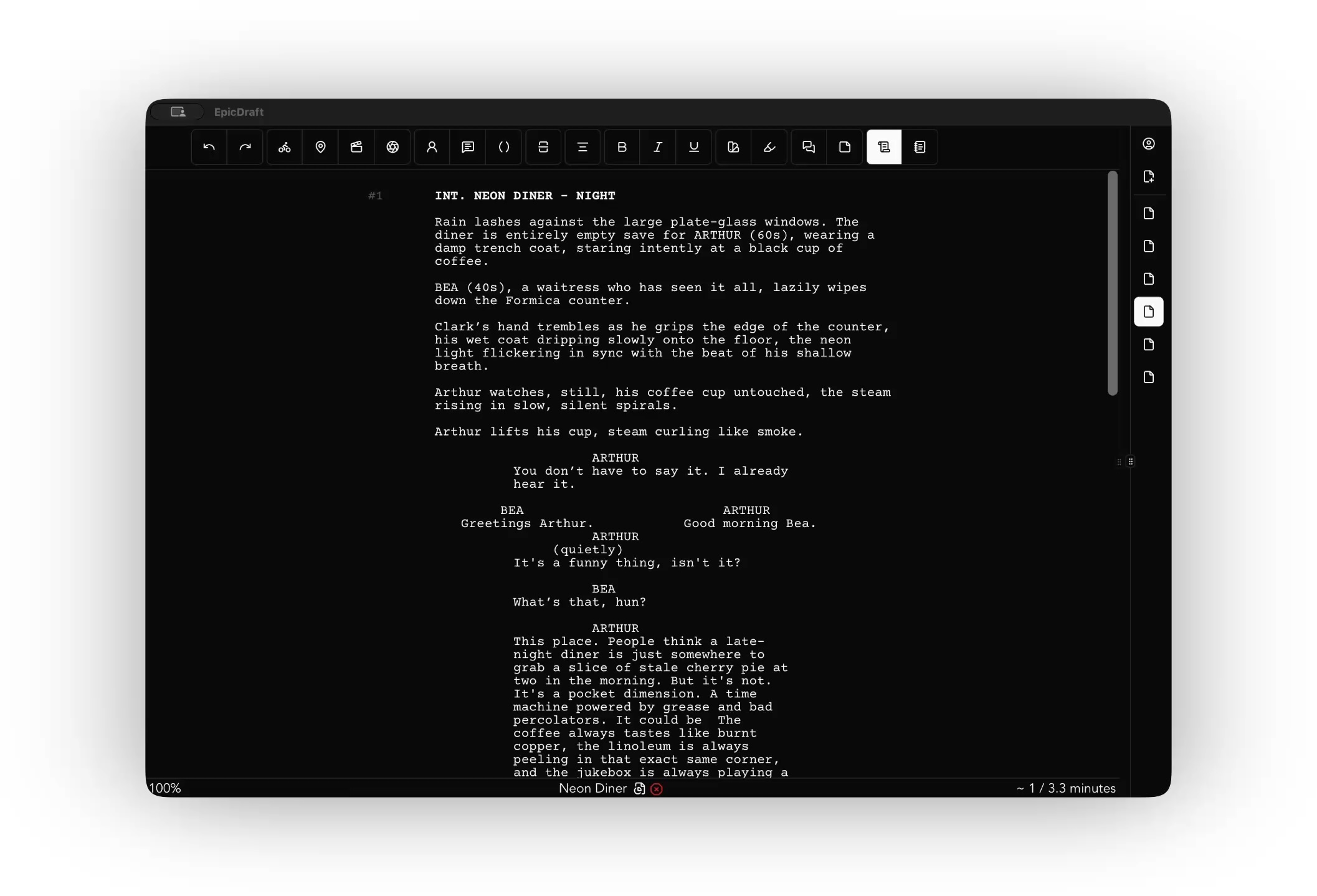
EpicDraft saves each screenplay as a single .sp file. It is plain text, built on Fountain, the screenplay markup writers have used for years. Open one in any text editor and you can read it. Scene headings, action, character cues, dialogue, exactly as written.
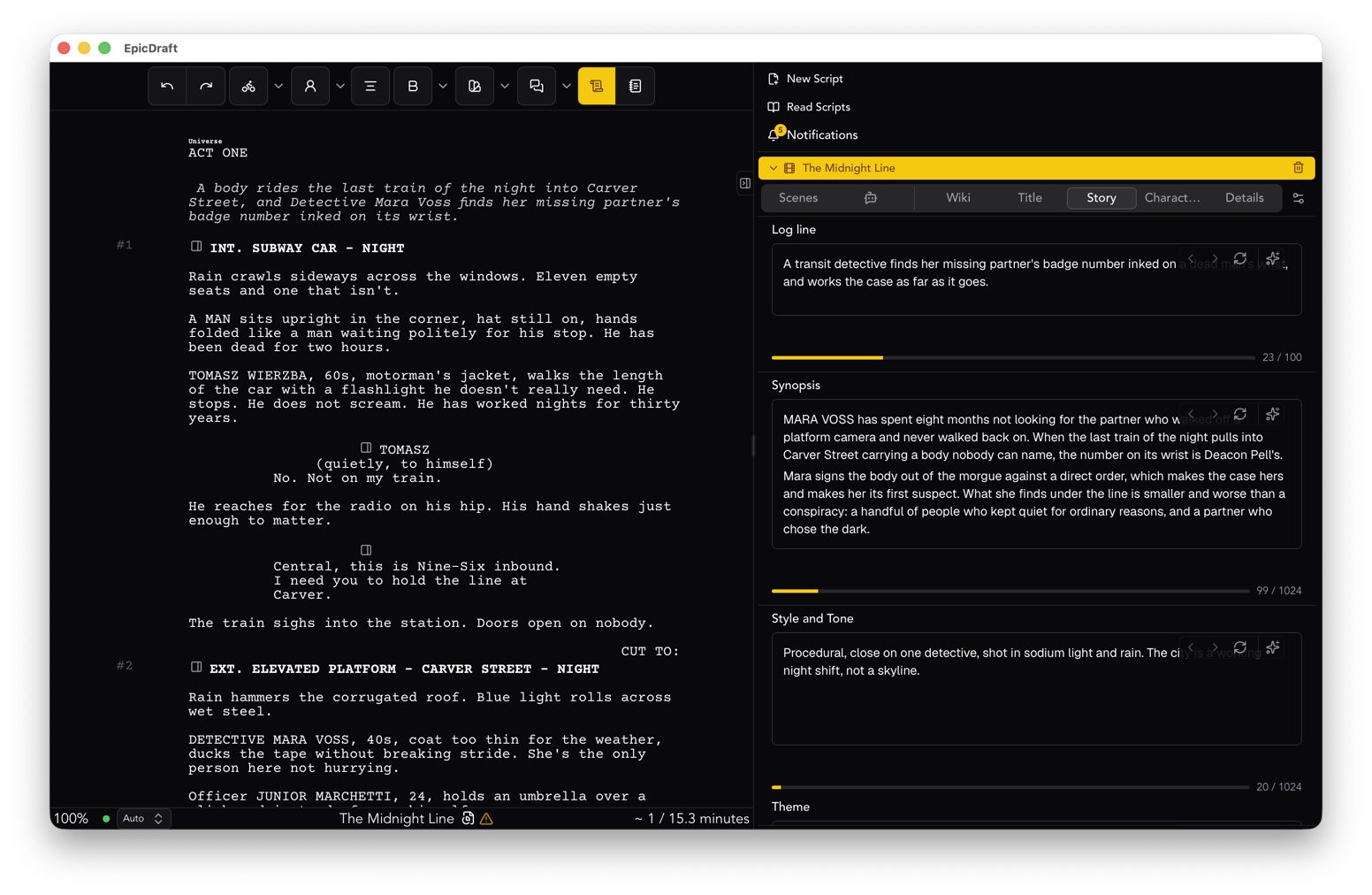
One file carries the whole project. The screenplay, the title page, your story fields, a digest of every Library page, the team chat. Send someone the one file and nothing is left behind.
By default it is saved as .sp.txt, so every other program on your computer treats it as ordinary text. Because it is.
What stays on the device
- The script. Written to local storage. Mirrored to a folder of your choosing if you want a second copy you can see in the file manager.
- Version history. Automatic snapshots of the whole project, stored on your device. Go back to Tuesday's draft without asking anyone.
- Media. Images you add to a project live with the project. The bytes stay on your device, or point at a link you control. EpicDraft does not host your media on a server.
- The assistant, by default, and its usage log, if you use AI at all. See why AI should run on your own machine.
What is optional
Some things need a second device or a second person. Each one is a switch you flip, and each one can be flipped back.
Sync between your own devices is peer to peer with Pro. Your laptop and your phone talk to each other directly. The pages travel between machines you own.
Cloud backup exists, and it is off until you turn it on. When you do, the copy is encrypted. Lock the script with a password as well and it is encrypted end to end with a key only you hold, so nobody can open it, including us. Turn backup off and the copy goes away.
Collaboration is also peer to peer. Invite a co-writer as an editor or a reader, per script, and edits appear live on every device. Changes merge whether or not you were online when they were made.
The pattern is the same in each case. The file is the source of truth. The network is a convenience.
Why this is a promise and not a feature
Features get removed. A promise about where your pages live is harder to walk back, because breaking it means moving the pages, and you would notice.
We can make that promise because of how the money works. EpicDraft is free to write, export and print, with no watermark and no page quota. Paid plans keep the lights on. Your pages are not the product, so we have no reason to hold them.
It also means you can leave. Your script is already on your disk as text. Export it as a PDF or a Final Draft file and take it anywhere. We wrote a guide to leaving any screenwriting app, and it applies to us too.
The short version
Your script is a file on your device. Sync, backup and collaboration are yours to switch on. Nothing you write is mined, sold or used to train a model. You can walk out the door with your pages at any moment, and the door is not locked.
That is what local-first means. Your script is yours, on your hardware, in formats you can take with you.
Download EpicDraft for macOS, Windows, Linux, iOS and Android, or open it in a browser.