A Series in One Project: Scripts Side by Side and a Bible That Stays True
The folder problem
The first episode of a series is a file. So is the second. By the fifth you have a folder, a document called "bible_v3_FINAL", a spreadsheet of who knows what, and a habit of searching your own drive for the line where someone first mentions the lake.
None of that is a writing problem. It is a bookkeeping problem, and it grows with every episode. The more you write, the more of your time goes on finding out what you already wrote.
The answer is not a bigger folder. It is putting the scripts and the notes behind them in the same place, so that moving between them takes a click.
A script for each episode
An EpicDraft project can hold as many scripts as you like. Mark a script as a main script from the menu on its row in the Library, and it joins the sequence. Set the order with Move earlier and Move later. The badge on each row says where it sits, for example "Main script 2 of 3".
When you have one of several main scripts open, a slim bar sits above the page. It names the previous and next script, with buttons to step to either, and a count in the middle. Moving from the pilot to episode two, to check what a character said at the end of the first, takes one press.
The project opens on the first main script. You can export the main scripts together, each starting on a new page, or one at a time.
A note on words. The app does not have a separate object called an episode. It has scripts, in an order, in one project. For a series, that is what an episode is.
Television, not a feature in disguise
Pick television as the story mode and a length: short-form, half-hour or one-hour. The format changes to match: numbered acts, bold underlined scene headings, and continued markers across page breaks.
Craft checks follow the format. They flag a missing act break, an odd transition, or a script that runs past its target. The checks know the difference between a teleplay and a feature, so you are not told that a half-hour script is short for a film.
Multi-camera scripts keep a cast list under each scene heading, listing the characters who speak in it. With automatic cast lists on, which is the default for television, the list is kept in step with the cues as you write. Edit one by hand and it is yours from then on, and the app will not rewrite it.
The bible is part of the project
A series bible is the document that says who these people are, where they live, and what has happened to them. It tends to go out of date, because it is separate from the scripts.
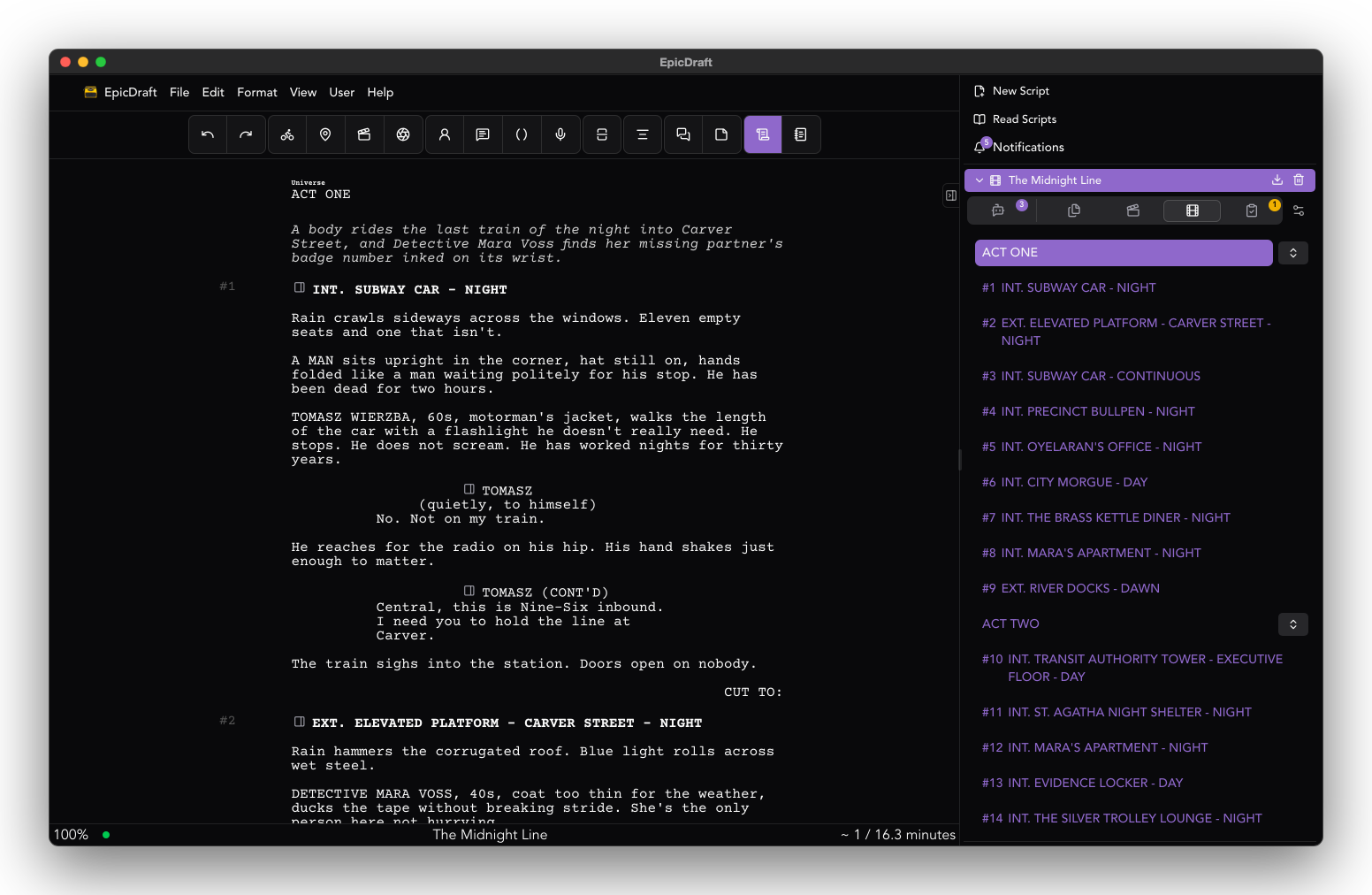
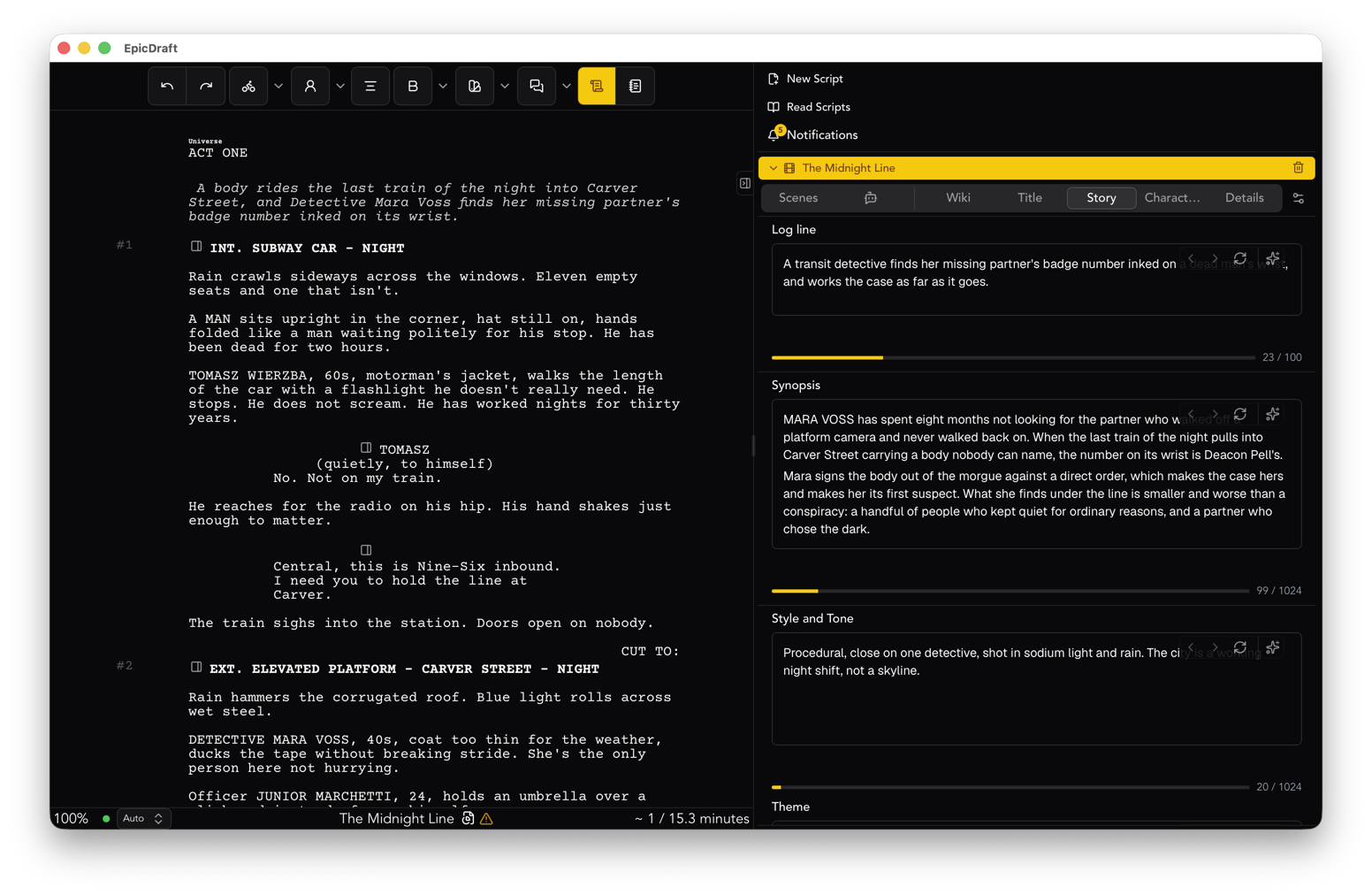
In the Story Library, characters, locations, scenes and outlines are pages in the project. They are linked to the pages of the script where they appear. A character page is not a copy of the character. It is a place you can follow back to the lines.
That changes how the bible gets used. You are not opening a second document to check a detail. You are opening the page beside the script. And because it is in the project, it is in the same file you back up, send and keep.
The Story Library is Free. Nothing about the bible needs Pro.
Bring the room in
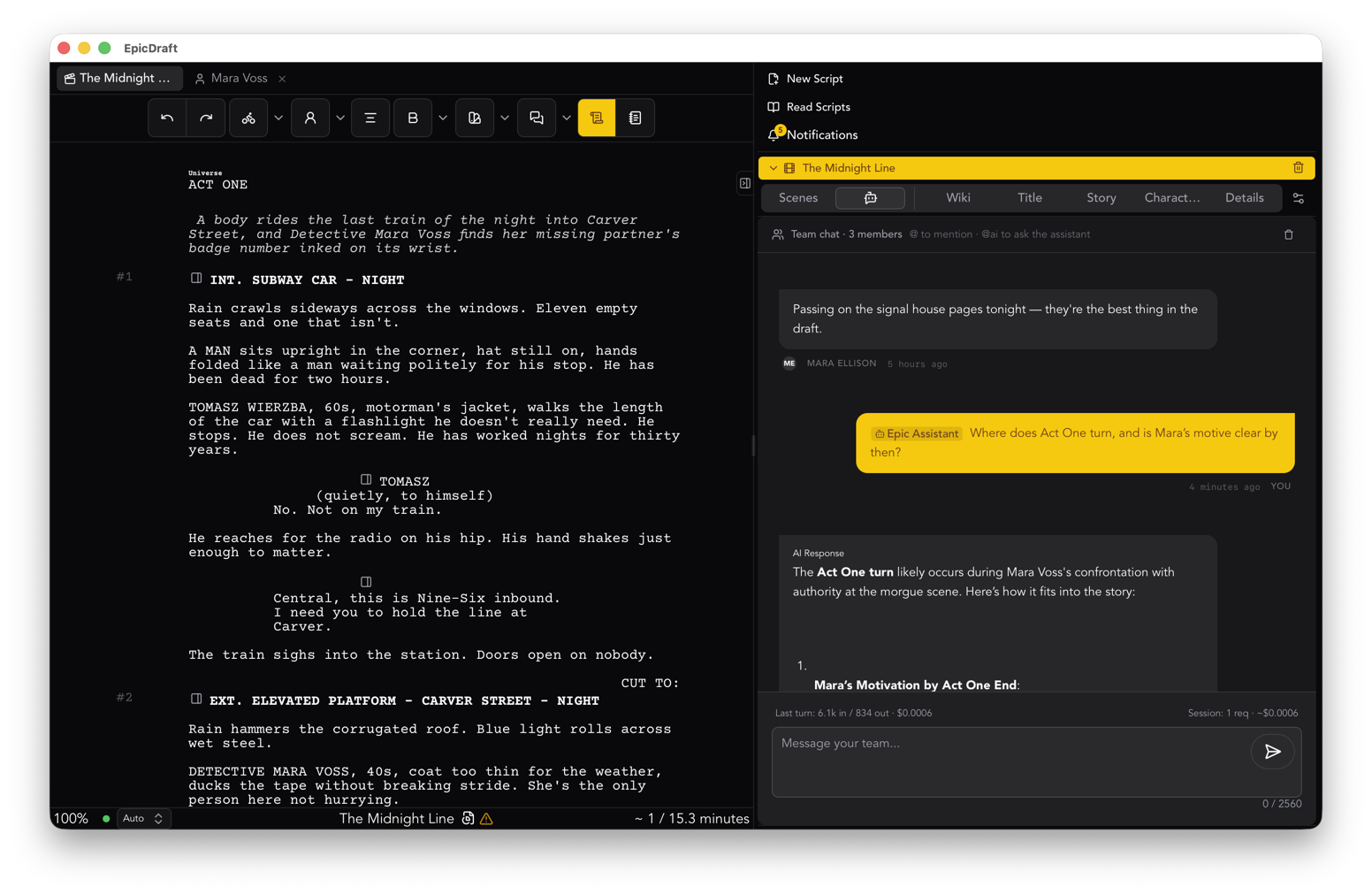
A writers' room is more than one person editing a file. It needs readers, and sometimes it needs more than one writer at once.
Co-writing lets two or more people edit the same script at the same time. Each person gets a colour and a cursor, and you can see who is editing and who is only reading. Everyone who edits needs Pro.
For people who only read, make a reader link in Sharing. Readers can read the script and give coverage, and they never need Pro. Making the link is the part that needs Pro. This suits a script editor, an agent or a friend who owes you notes.
Both of these are optional. The project works for a solo writer on a laptop with nothing turned on.
Hear an episode
Before the pages go to anyone, play the episode as a table read. Each character has a voice, and a narrator reads headings and action. By default the voices come from your device, so nothing leaves it. Table reads are Free.
A half-hour script is a short listen. You hear where the scene runs long, where two characters sound the same, and where a joke needs a beat it does not have.
Keep it yours
The season is a set of files on your device. Pro adds optional cloud backup, and sync between your own devices, peer to peer. You can import and export Fountain, FDX and PDF, and print without a watermark. If you ever want to take the season somewhere else, every script goes with you.
Where to start
Do not move your whole season on day one. Open the project with your pilot, add the second episode as another script, mark both as main scripts, and add one character page for someone who appears in both. Then step between the scripts with the bar and see whether it feels like a season.
More about the workflow is on the series writers page. The mechanics of main scripts and the sequence bar are in the Library guide.