From the Script to the Stripboard: Breakdown, Schedule and the Scenes It Could Not Place
The schedule starts on page one
A shooting schedule is built from the script, one scene at a time. Somebody reads each scene and writes down what it needs: the cast, the props, the car, the dog, the night exterior. Then somebody sorts the scenes into days so that the actor who is only available on Tuesday is not needed on Thursday.
Most of that work is copying. The script is in one app, the breakdown is in a second, the stripboard is in a third, and each change to the pages has to be carried across by hand. A scene is cut, and its strip stays on the board for a week.
This post follows one script through the three stages, and says plainly which parts cost nothing and which do not.
Step one: bring the script in
Open Fountain, FDX or PDF. If the pages are scanned, they are read on your device with OCR, one page at a time. This is Free, and nothing about it needs an account.
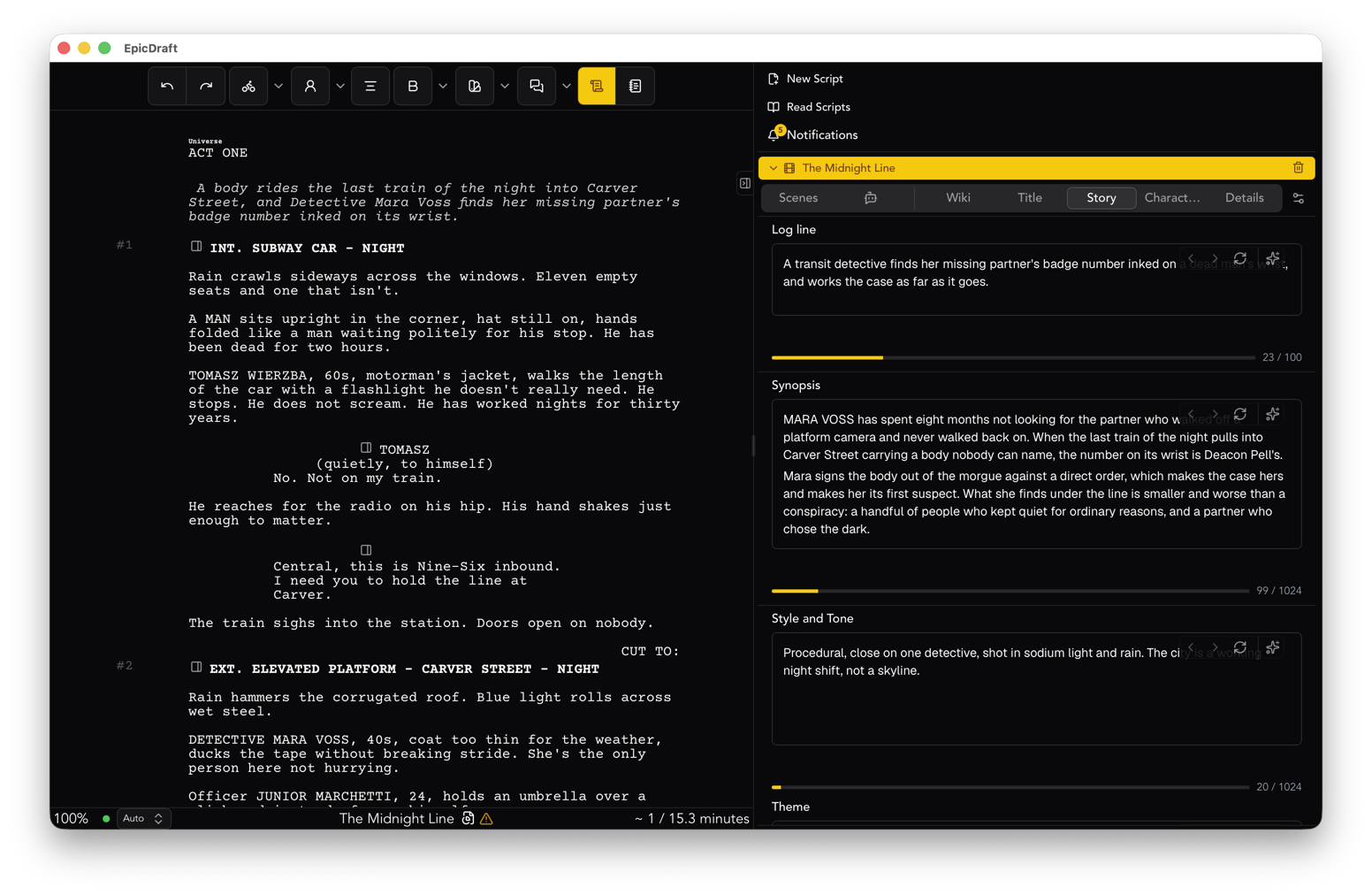
You can also write the script in the same project. The breakdown reads the scenes as they stand on the page, so there is no export step and no version to match up.
Step two: break it down
On a scene's page, add what the scene involves. Props, wardrobe, vehicles, animals, special effects and the rest are tagged in the scene, and the scene's breakdown lists everything it needs, sorted by type. Because the tags live in the script, a breakdown travels with its scene when the scene moves.
Breakdown sheets are Free. Go to File, Export, Breakdown sheets, and they leave as PDF or CSV. That means a production designer, a line producer or a first assistant director can have the sheets without having EpicDraft at all.
If this is all you need, you are done, and you have paid nothing.
Step three: the stripboard
Here the cost changes, and it is worth being exact. The Production view is Pro, and it is in Labs. Turn it on in Settings, Labs. It adds a Producer view beside Writer and Director.
The Producer view opens on a summary of the whole script: scenes, pages counted in eighths, speaking cast, locations, interior and exterior, day and night. Under it are your cast and crew, your schedules and your locations.
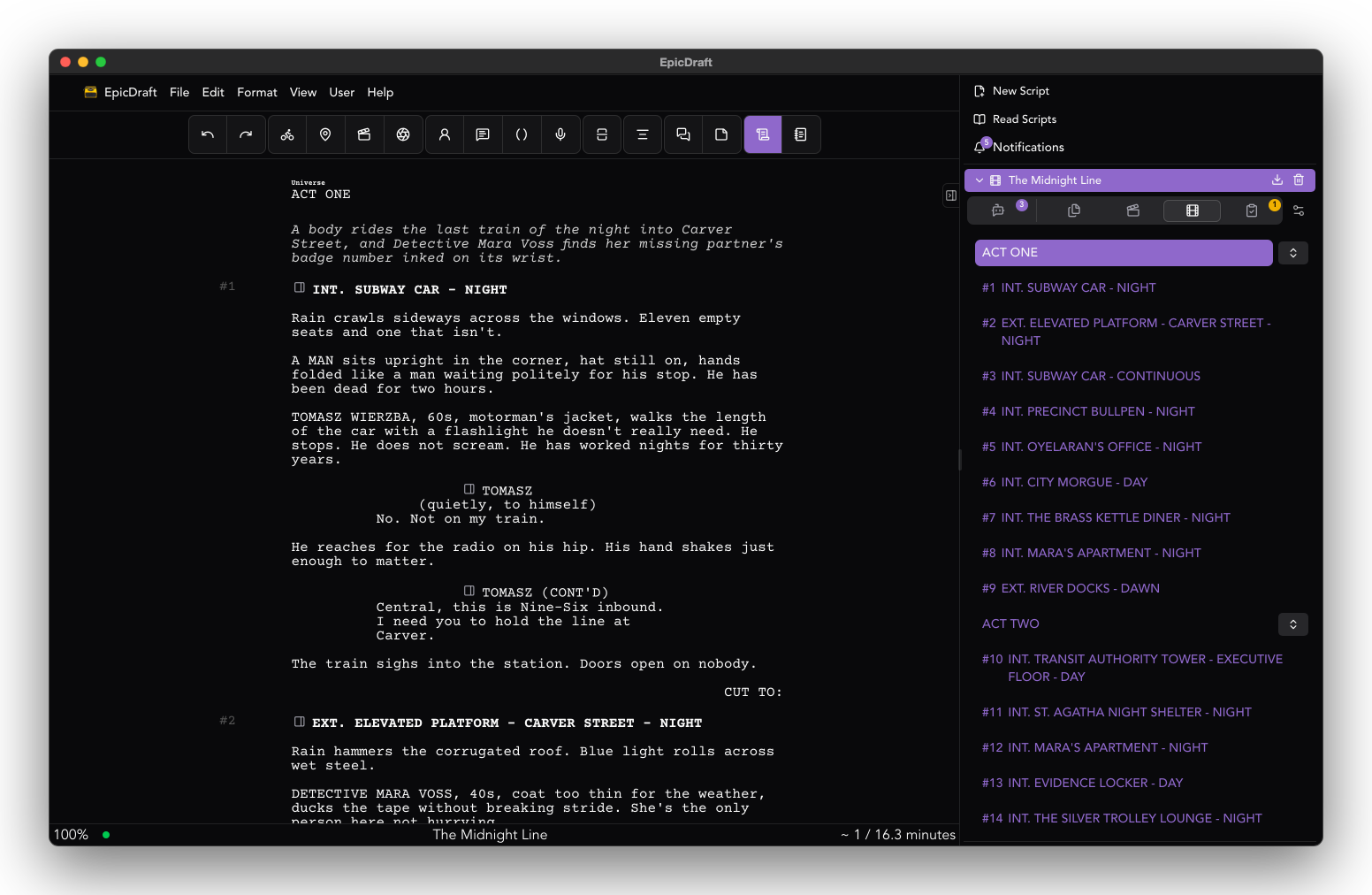
A schedule has a stripboard. Each scene is a strip, and the strips sit in shoot days. You can drag a scene to another day, add a day, add a banner, lock a scene to its date, or leave a scene out. Each day shows its total in eighths, so you can see at a glance that Thursday is a long one. A day where someone is unavailable or on hold is flagged.
Cast and crew are in the same project, each with a calendar. Mark days as available, on hold or unavailable. If you need an answer from someone, you can send a link, and they tap the days they can work, with no account. You import their answer. Making those links needs Pro with Cloud Service, which comes with Pro.
Step four: let it try
Press Solve. It tries to fit the scenes around who and what is available, and shows the result: how many shoot days, how many company moves, how many holding days for each actor.
Notice what it does not say. It does not say the schedule is solved. It fits what it can.
The scenes it could not place are listed. Each run says how many were left out, and they wait in an Unscheduled list until you place them yourself. Then you choose. Use the schedule as it is. Discard it. Move two strips and run it again. Release an actor for a day.
This is the honest part of scheduling software. A tool that tells you everything fits is hiding the one scene that does not, and you find out on the day. A tool that shows you the list of what it could not place has done most of the thinking for you and left you the part that needs a person.
Step five: the paper
A schedule becomes paper in two ways.
A day out of days gives each cast member's days, marked as starts work, works, finishes, starts and finishes, and held. Call sheets are made one per shoot day, with the general call, the scenes, cast and call times, locations with directions, the nearest hospital, and notes. Export one day or all days as PDF.
Budgets and contracts live in the same view, with templates for deal memos and releases. They are templates, not legal advice, and a lawyer should read anything you sign.
What stays on your machine
The project is a file on your device. The breakdown, the schedule and the call sheets are all part of it. Cloud backup is optional and Pro, and sync between your devices is Pro.
When the script changes, the scenes the schedule reads are the scenes on the page. That is the whole argument for doing it in one place. You still have to look at the board after a rewrite. You do not have to retype it.
A sensible way to start
Take a script you know. Tag three scenes. Export the sheets and see whether they look like the ones you would have made by hand. That costs nothing.
If the next question is "when do we shoot this", the Production view is where it goes.
The longer version is on the producers page, and the details are in the Production view guide.