What's New in EpicDraft 0.38: Many Scripts, a Production View, and a Timeline You Can Edit
This is the release post for 0.38. The version number may change before it ships. The list covers everything added since 0.33, in the order most writers will care about. Each item says whether it is Free, Pro or in Labs.
Writing and the Library
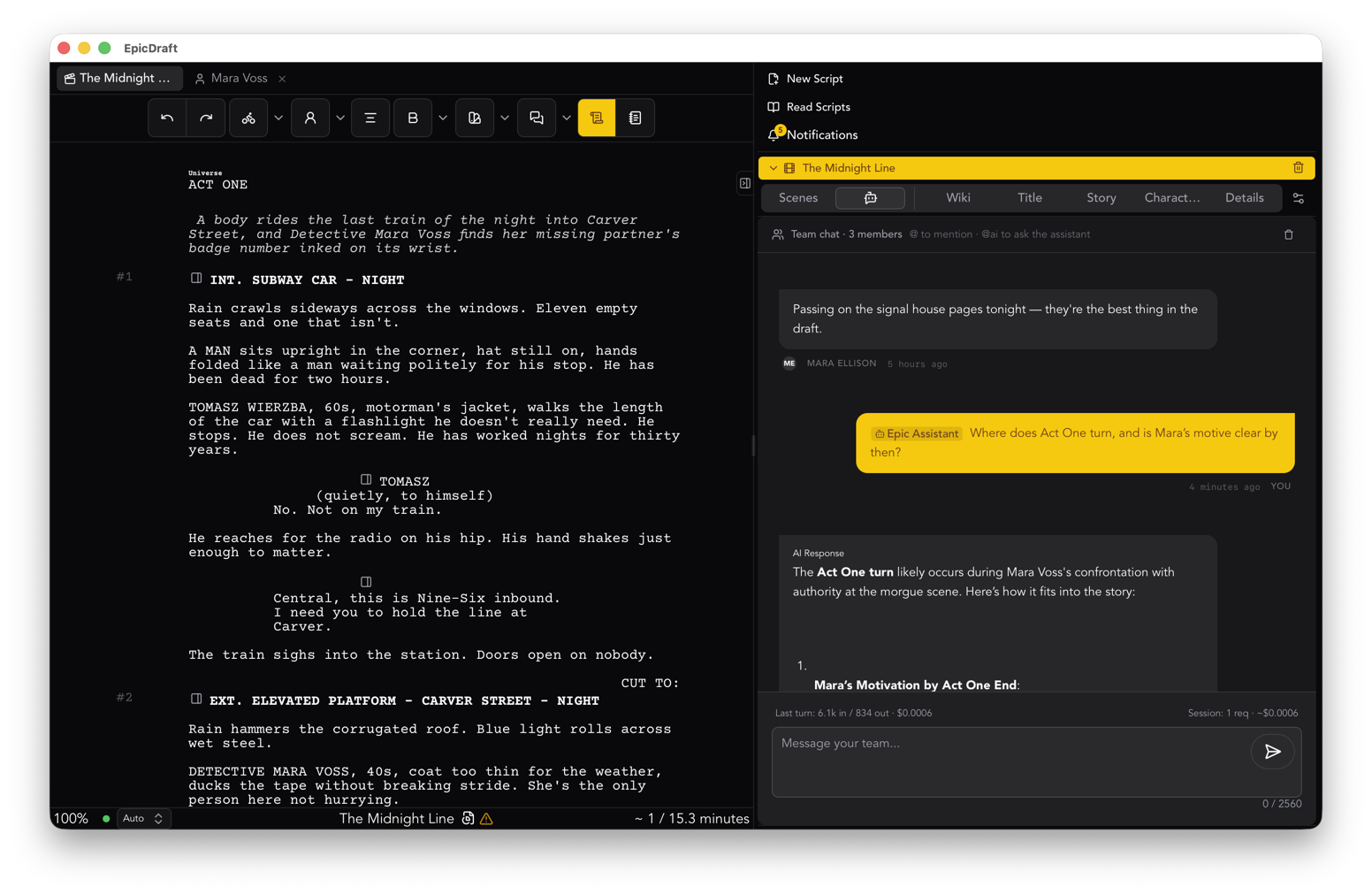
A project holds many scripts. Library, Scripts lists every script in a project, and any of them can be a main script, in sequence, for episodes and sequels. Opening a .fountain, .fdx or PDF with a project open adds a script to it instead of replacing anything. File, Duplicate Project clones the whole project. This is Free, and it is the base of the series page.
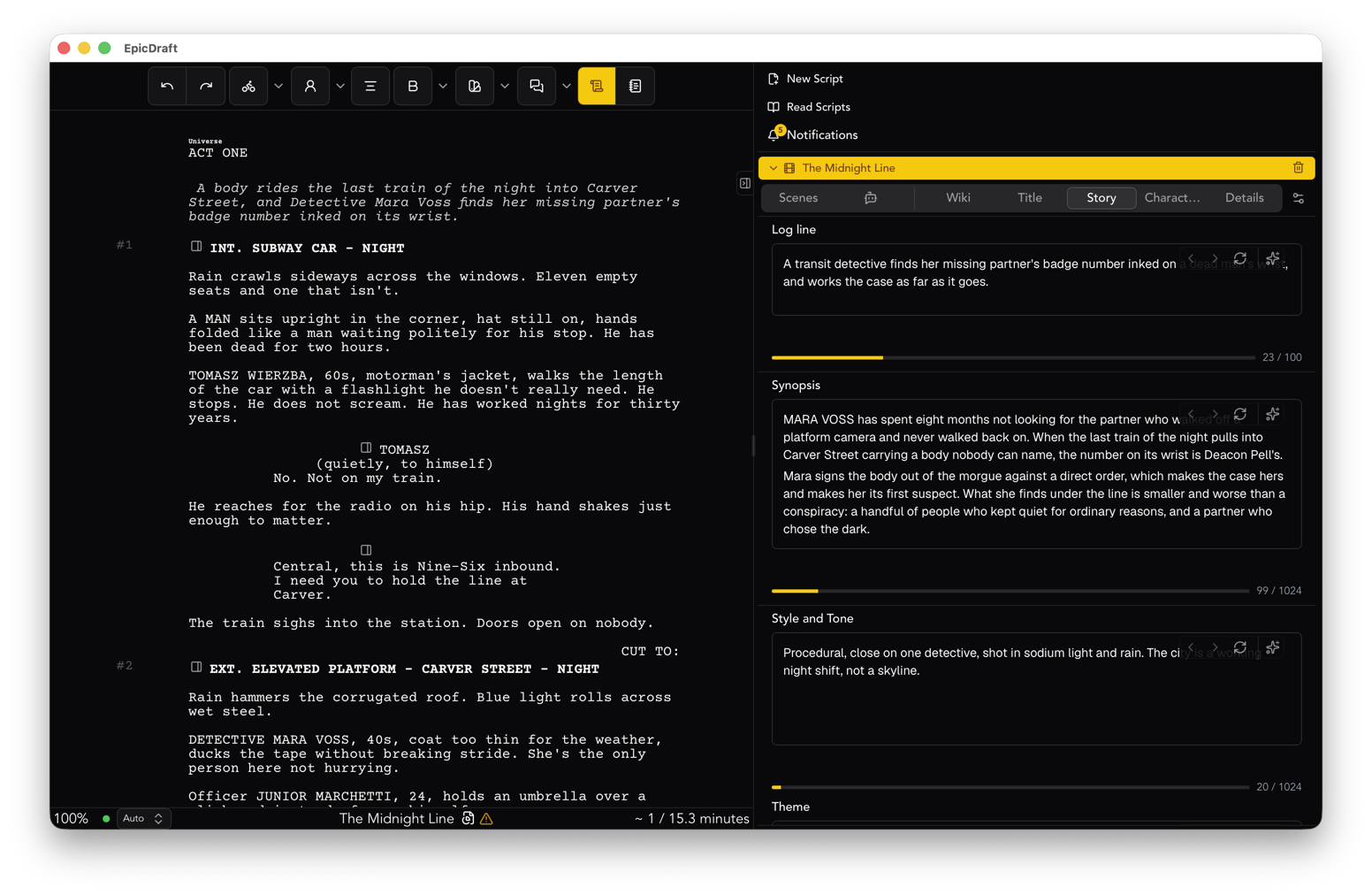
Scenes are pages. Every scene has a synopsis, shots, a breakdown and the notes tagged in it. Scenes move, copy and paste between scripts. PDF import asks which pages to read, and it works on iPhone and iPad, scanned pages included. The writer page covers the writing side.
Writer and Director views. The header switches between a Writer view and a Director view. Columns fold away, and Reports and Share have their own pages. Settings, Labs can turn the views off to return to one Library.
Planning the shoot
A Production view. In Labs, with Pro: breakdowns, cast and crew, auditions, a stripboard that counts eighths per day and shows what is still unscheduled, and budgets. Location pages and call sheets carry the set's GPS position and the nearest hospital. The producer page has the path from script to schedule.
Pictures and sound
Storyboards grow up. A storyboard is a folder of shots, nested as deep as you like, timed against its own script and linked to the scenes it covers. Storyboard this starts a board from a scene, and a board exports as a PDF. Drawing and shooting frames is Free. Generating frames is Pro.
Sketches and shapes. Mark up any picture and sketch on storyboard frames, in layers. A project, storyboard or shot can have its own aspect ratio and resolution. See the creator page.
3D blocking. Stage a scene with sets, props, a mannequin with built-in moves, 3D models, textures, skies and lights. Panels take their frames from the blocking and warn when stale. Stage with AI builds a first pass from the script (Pro). On the desktop, link a scene to Blender with the add-on. Changes go to Blender as you make them, and you can pull positions and rotations back (experimental).
A Director timeline you can edit. In Labs, the Sequencer puts your shots on tracks you add and mix: transitions, effects, camera moves and sound. It has drag and drop, cut, copy and paste across scenes, zoom, and undo and redo for every edit. Without the switch, the animatic still plays, with your script lines as captions.
Table reads and a teleprompter. View, Teleprompter shows the script in large type with the line being read mid-screen. Mark the parts people in the room will read and the read waits for them. Voices are your device's by default. See the stage page.
Live table reads. In Labs, a Pro member hosts a table read for others to join, with a video call and a recording that goes into the Director. Joining is free.
Game stories. The game page covers branching stories. Writing one and exporting Fountain, FDX or PDF is Free. Choices, conditions and the dead-end check are Pro.
Your devices and your files
Encrypted projects and app lock. In Settings, File, a Pro member can encrypt a project and password-protect a script. App lock opens the app with Face ID, Touch ID or Windows Hello and is free.
Media between your devices. Pro members sync pictures, video and sound peer to peer, with one copy per device and resumable copies of very large files. Collaborators need Pro to edit. Readers stay free.
Models on your device. Settings, AI lists the models on this device as a searchable list. Add one from Hugging Face, a link or a file. In Labs on the desktop, pooled models share one model across your own devices on your network.
AI tools, last
These need Pro or the 14-day AI trial. Nothing above depends on them, except where marked.
Generate with a progress bar. One Generate button in each Library walks you through choosing and describing, and every generation shows one progress bar with time left. Pictures, 3D models and textures need Pro. Video takes, sound, music and voices are in Labs and need Pro.
LoRAs (Pro). Add a LoRA to on-device pictures, set it on a page, pick it when you generate, and train one from your own pictures.
Your AI apps, at the controls. Settings, Devices, Connections has setup for the AI apps you already use. On the desktop, an app can read your script, keep your Library, add media to it and put a picture on a page, and by default it asks before it replaces or deletes anything.
Smaller things
Import takes several files at once. Crash reports are opt-in. The one-time purchase is named Pro One in the app, and earlier purchases keep working. The app is translated into 28 languages.
The step-by-step is in the help manual.