Branching Dialogue With Screenplay Craft: Choices, Variables and Dead Ends
Each branch is a scene
A branching script is easy to write badly. The usual cause is the tool. A spreadsheet row holds a line, a condition and a target, and that is exactly what you end up writing: lines, conditions and targets. The characters go flat. Nobody speaks in a row.
A better starting point is to treat each node as a scene. It has a heading, some action, a few lines of dialogue, and an exit. The exit happens to be a choice. Everything else is craft you already know.
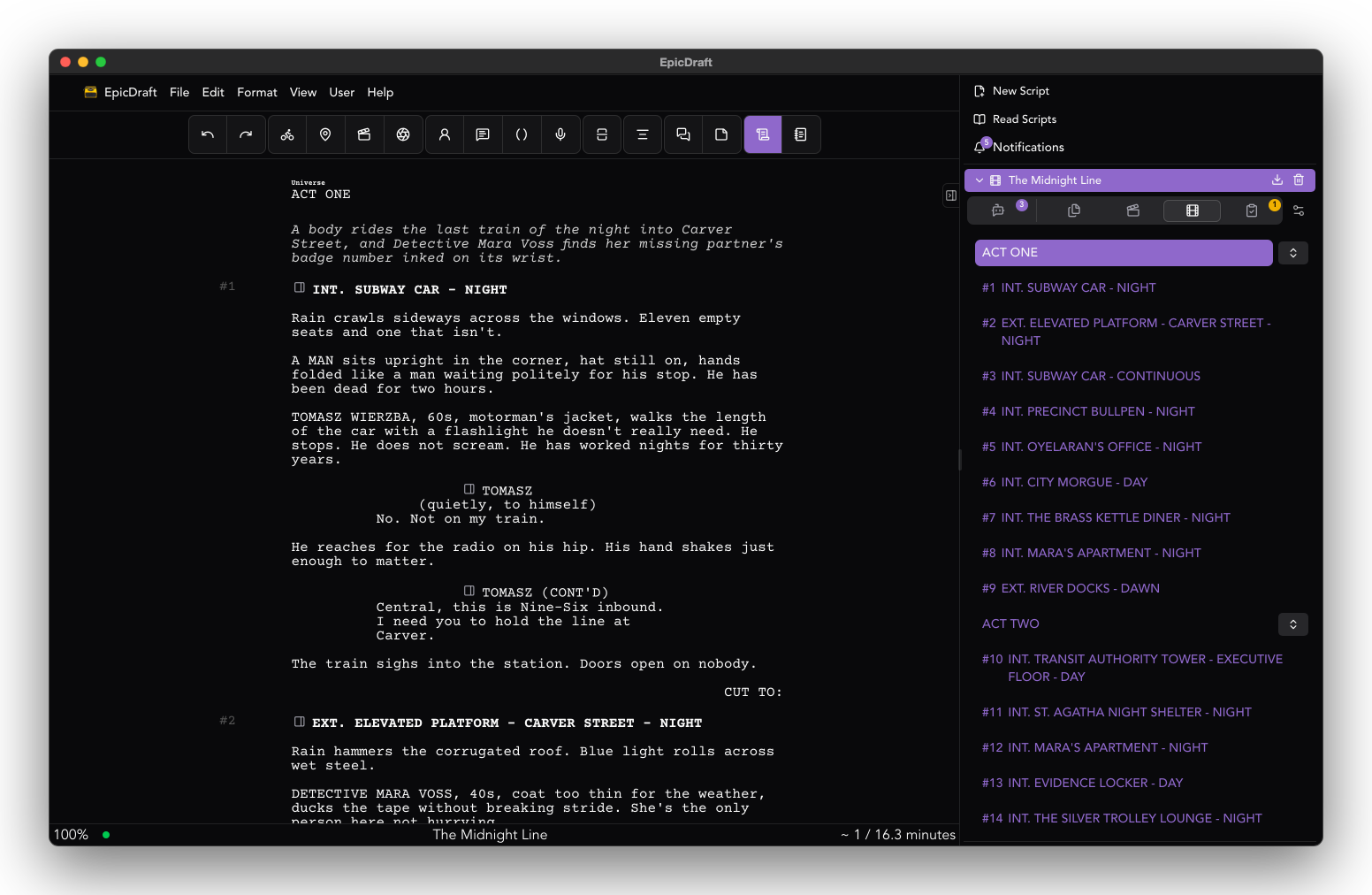
In EpicDraft you set the script's format to Game and write each node as a scene under its own heading. You get screenplay formatting, dual dialogue and the craft checks. A branch reads as drama on the page, because it is formatted as drama.
Writing a Game-format script and exporting it as Fountain, FDX or PDF is Free. The story graph tools described below are Pro.
Choices connect the scenes
A choice is a line that sends the player to another node. Select a line, press Add choice, pick the destination and give it a label.
You can point a choice at a node you have not written yet. The story graph marks it as missing until a heading with that name exists. That is a useful habit. Sketch the shape of the whole tree first, with choices that lead nowhere yet, and fill in the scenes in the order that interests you.
Let variables do the remembering
Most of the interesting writing in a branching story is about what the player remembers. Did they lie to the guard. Did they take the key. Did they leave the sister behind.
Variables carry that. You put a condition on a line or a choice, such as a choice that only appears when the player has the key. You set a variable on a line, such as raising the character's nerve by one when the player stands their ground.
The craft question is the same as it is in any screenplay: what does the audience know, and when. A variable is a way of writing that down. A line that reads differently when the player is carrying a secret is a payoff. A choice that is hidden because the player failed an earlier one is a consequence.
Small tags in the margin show which lines carry logic, so you can see the branching without opening anything. The tags never print or export.
Catch the dead ends
Every branching story has the same three faults: a node with no way out, a node nobody can reach, and a link to a place that does not exist.
The story graph flags all three. A node with no choices shows a dead-end badge until you mark it as an ending on purpose. A node nothing leads to gets an unreachable badge. A choice that points at a heading you have not written is marked missing. A line in the footer says either that the story is whole, or counts what is broken.
A condition that reads a variable nothing ever sets is almost always a typo. The Vars view lists every variable the script sets or reads, how often it is used, and warns about that case. Without it, this bug shows up as a choice that never appears, and takes an afternoon to find.
Play it before you build it
The Play view runs the branching script as script, with the live variables listed underneath. Go back one step with the variables as they were. Restart from the first node. Jump to any node when you want to test a gate without replaying the whole route to it. Edit a variable to see what changes.
There is also a list of hidden choices, each with the condition it needs. When every choice on a node is closed, that list opens by itself, which is how you find the branch that traps a player.
You are playing the script, not a build. The loop from "I changed a line" to "I tested it" is a few seconds long, with no engine in between.
Hear it before you book anyone
Dialogue that reads well is not always dialogue that sounds well. Branch lines are short, they repeat, and they get read out of order. A table read tells you quickly which ones work.
Run a table read and each character gets a voice, with a narrator for the headings and action. You hear the branch before you book a recording session. Table reads are Free. By default they use the voices your device provides, so nothing in your script leaves it.
You can also hand a role to a person at the table. The voices read everyone else, and the read waits for them on their lines.
Taking it to your engine
When the story is ready, the pages go to your actors as Fountain, FDX or PDF, with no watermark. The structure goes to your engine as a .game.json file, which holds the choices and variables. It does not hold the graph layout. The Game export is Pro, and it is marked experimental, so check the file against your engine early.
One project, not two
The point of working this way is that the script stays a script. The graph and the data are views of it, not a second copy to keep in step. Change a line and the graph, the preview and the table read all change with it.
For the whole workflow, see the game designers page. The details of choices, variables and the graph are in the game authoring guide.