Using Dual Dialogues
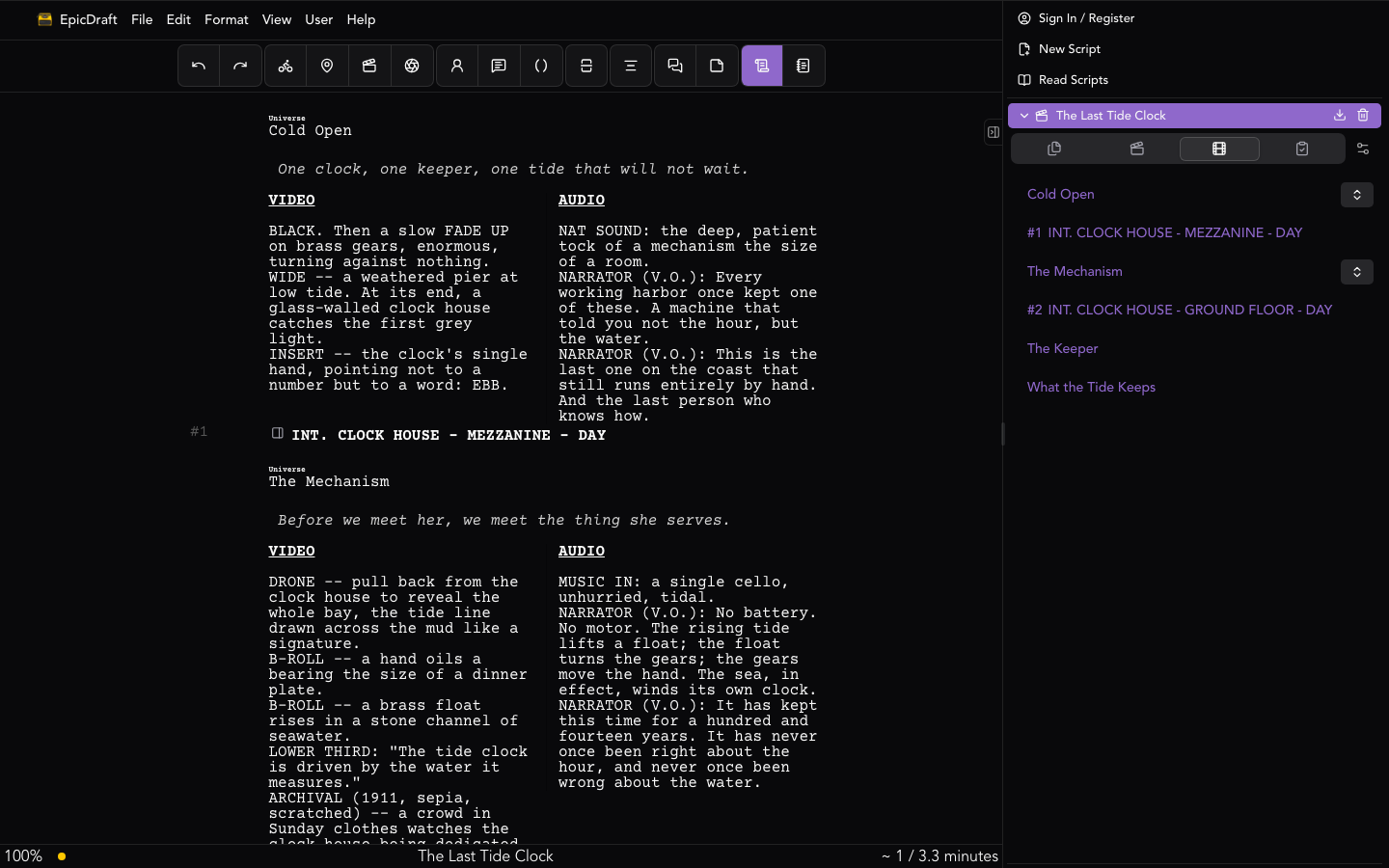
Dual dialogue puts two characters' lines side by side — for moments where they speak simultaneously, talk over each other, or trade lines in quick succession.
Creating a dual dialogue
Write the two speeches as ordinary character and dialogue blocks, one after the other. Then place the cursor in the second of the pair and do any of the following — they all run the same command:
- Format ▸ Special ▸ Dual Dialogue
- ⇧⌘' / Shift+Ctrl+'
- The Dual Dialogue button in the toolbar
The two speeches wrap into a single side-by-side block, first speaker on the left, second on the right.
If the cursor isn't in the right place, EpicDraft tells you what it needs: "Place the cursor in the second of a pair of character dialogue sections." Move the cursor into the second character's cue or dialogue and try again.
Undoing it
Run the same command with the cursor inside an existing dual dialogue block and it unwraps back into two ordinary stacked speeches. Nothing is lost either way — wrapping and unwrapping just changes the layout.
What can go in a column
Each side of a dual dialogue holds the usual speech elements: a Character cue, Dialogue, Parenthetical, and Lyrics. A parenthetical or a sung line sits inside its speaker's column just as it would in a normal speech.
In Fountain
Dual dialogue round-trips through Fountain: a
trailing ^ on the character cue marks the right-hand speaker.
MARY
I can't believe it.

JOHN ^
Believe it.
Beyond two speakers
Dual dialogue is also the machinery behind multi-column layouts — the Documentary story mode uses it to build two- and three-column A/V scripts.