Profile
Your profile is your public writer page on EpicDraft. It's how you're credited for coverage you write and on scripts you make public.
Editing your profile
Open Settings → Account → Profile while signed in. You can set:
- Your name and a unique handle.
- A career title and career badges (comma-separated).
- A short bio and your language.
- Any known aliases (comma-separated) — other names your work has appeared under.
- An avatar.
Handles
A handle is 3–32 characters of letters, numbers, hyphens, and underscores, starting and ending with a letter or number. Handles are lowercased and must be unique — if yours is taken, pick a variation.
Your public author page
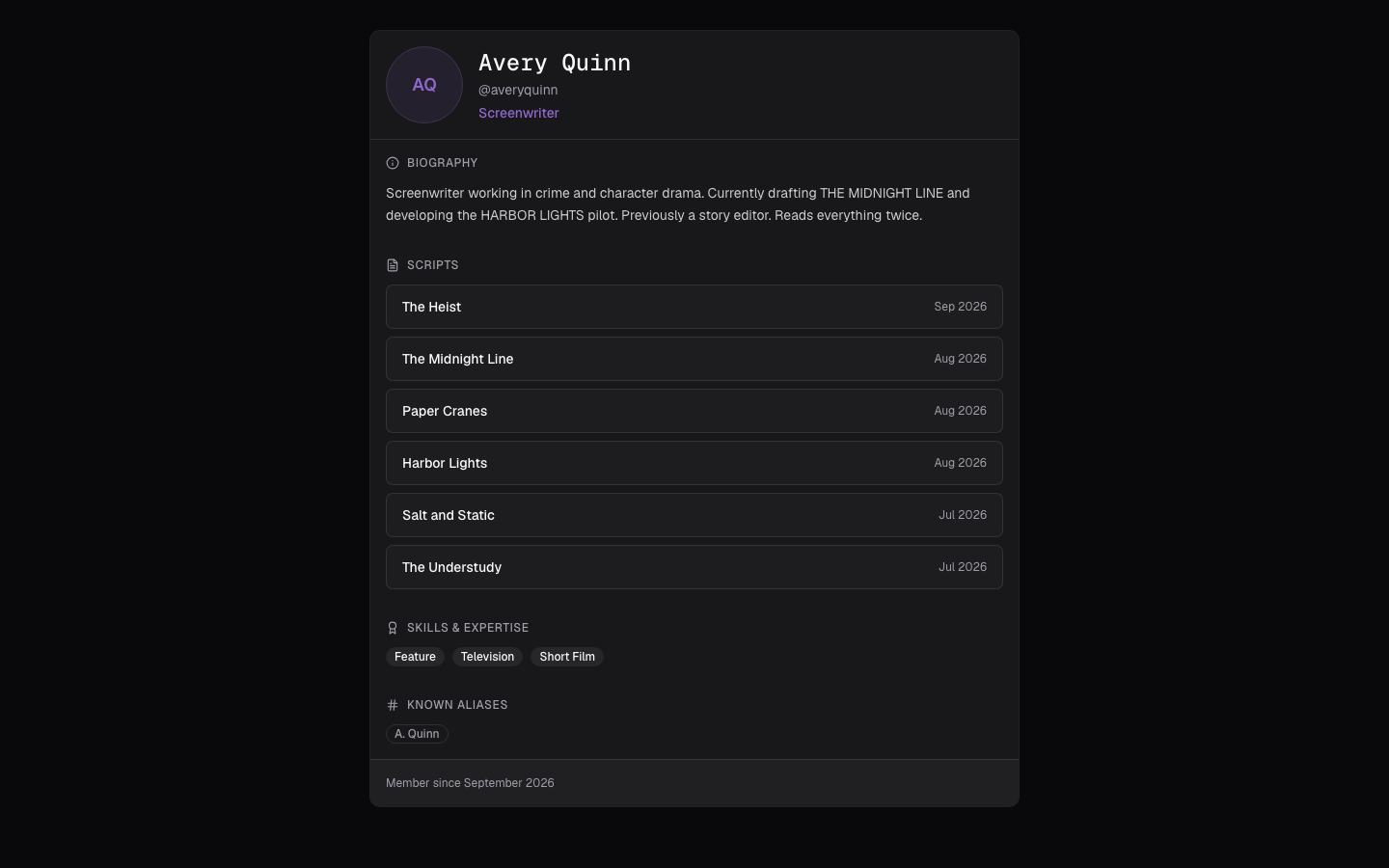
Visitors to your page see your name, handle, and avatar; your career title and badges; your bio and aliases; your notable scripts, ranked by coverage score; and your public scripts.
Once you've claimed a handle, /author/(handle) is the canonical address of your page — a clean, shareable link that makes you easier to find from any coverage you've submitted.